Last year I was travelling and I needed one app. It was the official app of a train company. My friend opened it on his phone with no trouble at all. On my phone the Play Store gave me one cold line. This app is not available in your country.
I had done nothing wrong. My phone was fine. The app simply was not offered where my account lives. That one message sends a lot of people to shady download sites. It does not have to. There are clean and legal ways around it and I use them myself.
This guide shows you four of them. Three are for Android. One short section covers the iPhone. I will also tell you the one trick that almost never works any more, so you do not waste an evening on it like I did.
Quick answer: The Play Store follows the country on your Google account. It does not follow your GPS. The easiest fix for most people is a second Google account that you create for the country you need. Add it to your phone and switch to it inside the Play Store. The app installs in a minute and your main account stays untouched. Changing your Play country also works but Google locks it for 12 months. On Android you can also install the app file yourself from a trusted source. On iPhone you need a second Apple account for the App Store.
Why Is an App Not Available in Your Country?
The maker of the app chooses the country list. Google and Apple just follow that list. An app stays out of your country for a few normal reasons.
Sometimes it is licensing. A streaming app may own the rights to its shows in five countries and not in yours. Sometimes it is the law. Banking and gambling apps must follow the rules of each country, so they launch in one place at a time. Sometimes the app is new and the maker releases it slowly, country by country, while they fix early bugs. And sometimes the maker simply does not want to deal with payments and taxes in your market yet.
Here is the part most people get wrong. The Play Store does not decide your country from where you stand. It decides from the country set on your Google account. Your phone can sit in London while your account still lives in another country. The store shows you the catalogue of the account. That is why the fix is about accounts and not about your location.
The 4 Methods at a Glance
| Method | What you need | Main account stays as it is | Cost |
|---|---|---|---|
| Second Google account | A new Google account and a VPN for the setup | Yes | Free |
| Change your Play country | A payment method from the new country and an IP in that country | No, it moves | Free |
| Install the APK yourself | The app file from a trusted source | Yes | Free |
| VPN on its own | A VPN app | Yes | Rarely works alone |
My advice is simple. Start with the second account. It solves the problem for most people in about ten minutes. Save the country change for a real move. Use the APK route when the app is free and the maker shares the file in the open.
Method 1: Use a Second Google Account
This is the method I use myself. You make one extra Google account. That account lives in the country where the app is offered. Your phone can hold both accounts at once and the Play Store lets you switch between them with two taps.
Step 1: Connect a VPN to the country you need
Google sets the store country of a new account from where you are when you set it up. So before you create the account, connect a VPN app you trust and pick a server in the country where the app is available. Leave the VPN on for the next two steps.
Step 2: Create the new Google account
Open your browser and go to the Google account sign up page. Create the account with a fresh email address. Google may ask for a phone number to verify you. That is normal. Finish the setup while the VPN is still connected to the right country.
Step 3: Add the account to your phone
Open your phone Settings. Go to Accounts, or Passwords and accounts on some phones. Tap Add account and choose Google. Sign in with the new account. Your old account stays right where it was. Nothing is removed.
Step 4: Switch accounts inside the Play Store
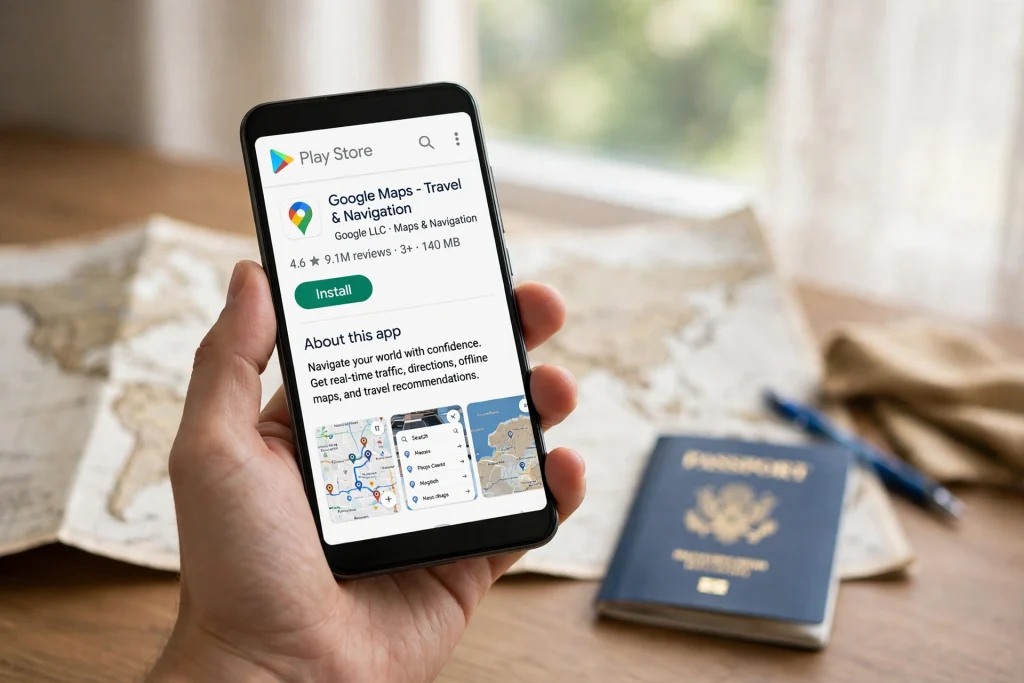
Open the Play Store. Tap your profile picture at the top. Tap the small arrow next to your name and pick the new account. The store reloads. You are now looking at the catalogue of the other country.
Step 5: Install the app
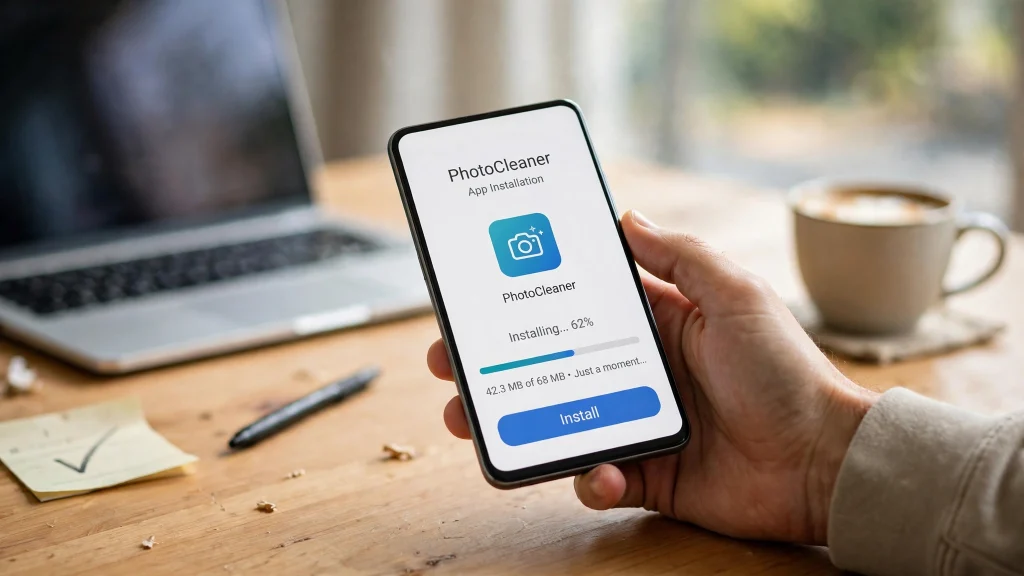
Search for the app. The page that refused you before now shows a normal Install button. Install it like any other app. When it is on your phone you can switch the Play Store back to your main account. The app stays installed and works.
Two things to know about this method. Free apps are easy and need nothing else. Paid apps are harder, because the new account needs a payment method from that country before it can buy anything. And updates for that app arrive through the second account, so leave the account signed in on your phone. Switching back and forth takes seconds once you have done it twice.
Method 2: Change Your Google Play Country
This is the official route and Google built it for people who move. If you have moved country for real, this is the right fix. If you only want one app, read the rules first. They are strict.
The rules Google sets
- You can change your Play country once every 12 months. Change it today and you cannot change it back for a full year.
- You must be in the new country when you change. Google checks your IP address.
- You need a payment method from the new country, with a billing address there.
- If your account is in a Google family group you cannot change country at all. You would have to leave the group first.
- Your Google Play balance does not travel with you. Money on the old country balance cannot be spent in the new country.
- You may lose access to some books, films and apps you got under the old country.
- The change can take up to 48 hours to show on your profile.
The steps
- Open the Play Store and tap your profile picture.
- Go to Settings, then General, then Account and device preferences.
- Open Country and profiles.
- Tap the country you want to add and follow the steps on screen.
- Add the payment method from that country when Google asks.
If the country you want does not appear on that screen, one of the rules above is blocking you. The usual causes are a change in the last 12 months or an IP address in the wrong country.
My honest take. This method is a one way door for a year. I would never burn it on a single game or a streaming trial. Use it when your life has moved and your store should move with it.
Method 3: Install the APK From a Trusted Source
Android lets you install an app from its file. The file is called an APK. This route skips the Play Store completely, so the country list never gets a say.
It only works when you can get the real file from a place you trust. Good sources are the official website of the app itself, APKMirror, which checks that each file carries the true signature of its maker, and F-Droid for open source apps. If the maker shares the file in the open, this method takes two minutes.
I wrote a full walkthrough of the install steps in our guide on how to install an APK on Android. It covers the permission you allow, the install itself, and the part most people forget, turning that permission back off when you are done.
Before you install any file, read our guide on how to check if an APK is safe. Two minutes of checking beats a phone full of malware.
Three warnings for this route. First, never take the file from a site that offers paid apps for free. Those files are pirated and they are the number one way phones get infected. Second, an app installed this way does not update through the Play Store. You install the new file yourself when a new version comes out. Third, some apps check your region when they run, not just when they install. The next section explains that.
Method 4: A VPN on Its Own, and Why It Mostly Fails
You will read this tip everywhere. Turn on a VPN, clear the Play Store data, and the store will think you are abroad. I have tested it more than once. In 2026 it almost never works on its own.
The reason is the thing I said at the start. The store follows your account country. A VPN changes your IP address and nothing else. Your account still lives where it always lived, so the catalogue stays the same. Clearing the store data just gives you the same catalogue with a fresh coat of paint.
A VPN still has two honest uses here. You need one during the setup of the second account in Method 1, so the new account is born in the right country. And some apps check your location when they run. For those apps a VPN is the difference between opening and a blocked screen. But as a download trick by itself, save your time.
What About the iPhone? The App Store Way
The iPhone has no APK route. Apple only allows apps from the App Store. You still have two clean options.
Option A: A second Apple account for the App Store
This is the iPhone twin of Method 1 and it is the one I recommend. Create a new Apple account and choose the country where the app is offered. Then open Settings on your iPhone and tap your name. Go to Media and Purchases and sign out there. Sign in with the new account. Only the store account changes. Your iCloud, your photos and your messages stay on your main account. Download the app, then sign back into Media and Purchases with your main account if you want. The app stays on the phone. Its updates will ask for the second account, so keep the password somewhere safe.
For free apps the store often lets you pick None when it asks for payment details. Paid apps need a payment method from that country, just like on Google Play.
Option B: Change the country of your Apple account
Apple lets you change your account country, but the homework is real. You must spend your store balance first. You must cancel your subscriptions and wait until they end. You must leave Family Sharing. And you need a payment method and billing address for the new country. The steps live under Settings, your name, Media and Purchases, View Account, then Country and Region. For one app this is far too much surgery. The second account does the same job in five minutes.
Will the App Work After You Install It?
This is the part most guides skip, and it is the part that matters. Installing the app is only half the job. Some apps check where you are every time they open.
Banking apps are the strictest. Many will not let you log in from a country they do not serve. Streaming apps open fine but show you only the catalogue they have licensed where you stand. Some games connect you to the server of your region and your account from home may not exist there.
None of that means you did anything wrong. It is the maker enforcing their own rules inside the app. A VPN helps with some of these apps. Others will refuse no matter what you do, and no download trick changes that. Go in with your eyes open and you will not feel cheated.
Is It Legal to Download Apps Not Available in Your Country?
The methods in this guide use official features and open sources. Changing your store country after a real move is a feature Google and Apple built on purpose. Keeping a second account of your own is normal. Installing a free app from the official page of its maker is normal.
What is not fine is the other stuff. Pirated copies of paid apps are theft, whatever the download site calls them. Fake payment details and borrowed addresses can get your account closed, and both stores write their rules for people who live in the country they pick. So keep your details true and stick to free apps and official sources. You get the app and you keep your account.
Stay Safe While You Do This
- Get app files only from the maker or a source with a real name, like APKMirror or F-Droid.
- Keep Google Play Protect switched on. It scans what you install by hand too.
- Never install a mod or unlocked version of an app. Those files are where malware hides.
- If you use a VPN, use a known name. A free VPN you never heard of can watch your traffic instead of protecting it.
- After any APK install, turn the install permission back off for your browser or file manager.
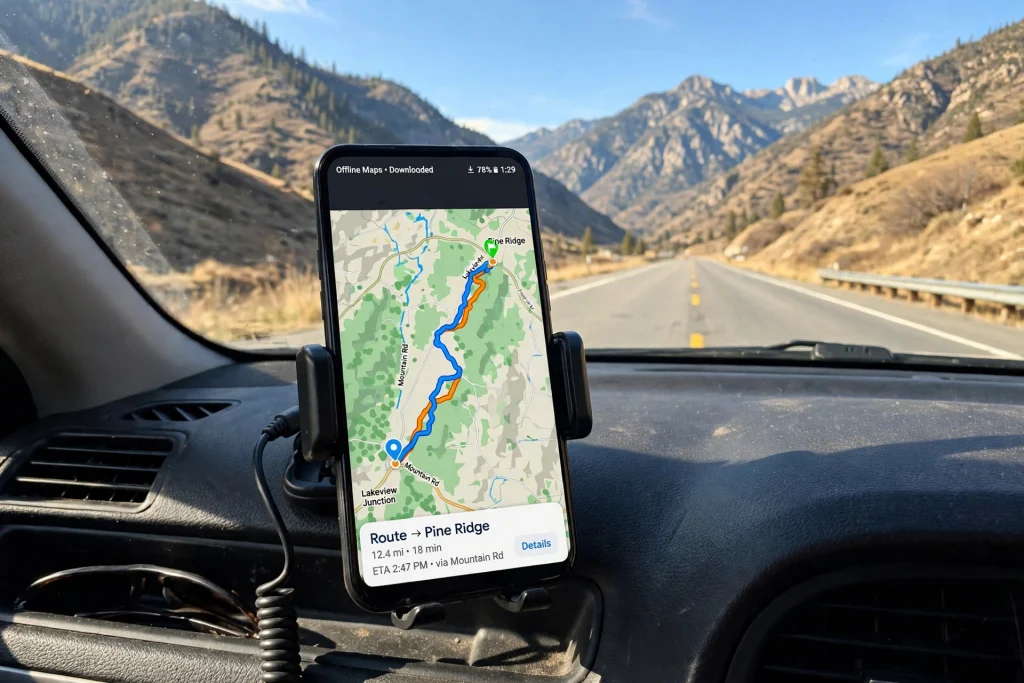
- Travelling soon? Some apps you can simply get at home first. Our list of the best offline maps apps for Android is a good place to start before a trip.
Frequently Asked Questions
Why is an app not available in my country?
The maker of the app picks the countries where it is offered. The usual reasons are licensing deals, local laws, a slow release while the app is new, or the maker not wanting to handle payments in your market yet. The store just follows the list the maker gave it.
How do I download an app that is not available in my country?
The easiest way is a second Google account created for the country where the app is offered. Add it to your phone and switch to it inside the Play Store. You can also change your Play country if you have moved, or install the app file from a trusted source on Android.
Will a VPN alone let me download apps from another country?
Almost never. The Play Store follows the country on your account, not your IP address. A VPN changes your IP only. You need the VPN during the setup of a second account, but on its own it does not change the catalogue you see.
How many times can I change my Google Play country?
Once every 12 months. Google also asks you to be in the new country and to add a payment method from that country. Think hard before you change, because you cannot change back for a full year.
What happens to my Google Play balance if I change country?
It stays behind. Your balance is tied to the old country and you cannot spend it in the new one. You may also lose access to some books, films and apps you got under the old country.
Can I change my Play country if I am in a family group?
No. Members of a Google family group cannot change their Play country. You would have to leave the family group first, and that affects everyone who shares purchases and storage with you.
How do I download apps from another country on iPhone?
Create a second Apple account for the country you need. On the iPhone, sign into it under Media and Purchases only. Your iCloud stays on your main account. Download the app and switch back when you are done.
Will a region locked app work after I install it?
Not always. Installing is only half the job. Some apps check your location when they run. Banking and streaming apps are the strictest. A VPN helps with some of them, but a few will refuse to work outside their country no matter what you do.
Is it legal to download apps not available in your country?
Using official store features and your own accounts is fine. Installing free apps from the official page of the maker is fine. Pirated copies of paid apps are not legal, and fake payment details can get your store account closed.