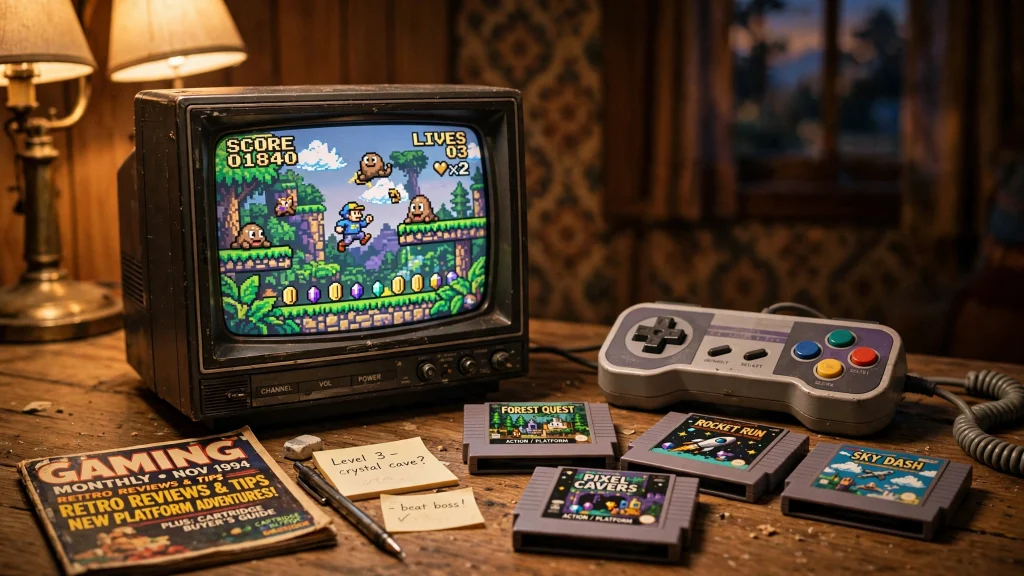
There is a specific feeling you get when an old game boots up. The music starts. The pixel art pops on screen. And for a second you are ten years old again sitting way too close to the TV.
I went looking for that feeling last month. I did not want to dig a dusty console out of storage. I did not want to install a pile of software either. I just wanted to play. It turns out you can. Your browser and your phone can run most of the classics right now. No downloads. No setup marathons.
This guide covers the ways that work. Some are free. Some are official paid collections. All of them are legal.
Quick answer: The fastest way is a browser player. You open the page. You load a game file that you already own. You play. Nothing installs on your device. If you do not have your own game files then the official routes are your best bet. Nintendo Switch Online has a huge classic library. Xbox Game Pass carries retro titles. Steam and GOG sell classic collections cheap. And phones have official ports of big games like GTA San Andreas. Friends can join through netplay rooms or the online modes inside those collections.
The Fastest Way to Play: Right in Your Browser
Browser based emulation is the big change. A few years ago you needed to install an emulator program and then configure it. It was a whole evening of fiddling before you saw a title screen.
Now the emulator itself lives on a web page. It loads in Chrome or Safari or whatever you already use. The game runs inside the tab. You close the tab and everything is gone. Nothing sits on your hard drive.
We built one of these players here on InfoZone. You can open the retro game player and be playing in under a minute. Here is how it works.
You bring your own game file. That is the file from a cartridge or disc you own. You select it on the page. The player loads it and the game starts. Your keyboard works as the controller right away. Most players also support a real controller over USB or Bluetooth. On a phone the player puts touch controls on the screen.
I tested this with a platformer I have owned since the nineties. It loaded fast. It ran smooth. Save states worked too. A save state freezes the game at any moment so you can return to that exact spot later. Old games were hard. Save states make them fair.
What You Need Before You Start
You need very little. A modern browser is the main thing. Chrome and Edge and Firefox and Safari all handle this fine. A phone from the last few years runs the older systems without breaking a sweat.
The one thing you do need is the game file itself. And this is where I have to be straight with you.
Downloading game files from random sites is not legal in most cases. It does not matter how old the game is. Those sites are also full of junk ads and worse. I do not use them and I do not link to them.
The legal way is simple. You use files from games you own. If you do not have any files then skip ahead to the official options below. Honestly the official options are excellent now. For a lot of people they are the better answer anyway.
One more practical note. Keep your expectations matched to the era. These games look best small or with a slight filter. Blowing a 240p game up across a 65 inch TV will look rough. On a phone screen or a laptop the same game looks sharp and charming.
The Games People Load First
Some titles get loaded again and again. The same names come up in every retro thread.
Super Mario Bros. is the obvious one. Three minutes in and your hands remember every jump. The muscle memory is spooky.
Pokemon Red is the slow burn pick. People load it on their phones and play it like a daily ritual. It fits modern life weirdly well.
Sonic the Hedgehog still feels fast. The first level is pure joy. The later levels still make me sweat.
Tetris never left. It is the perfect browser game because a round takes three minutes.
Contra is the friendship tester. Two players. Limited lives. The famous code in your head forever. More on playing it with a friend below.
The Legend of Zelda is for the weekend. You load it up planning to play for twenty minutes. Three hours vanish.
If your own library has these then the browser retro game player will run most of them right in your tab or your phone browser. No app store trip needed.
Official Ways to Play the Classics
Say you own no game files. Or you just want the simplest path possible. The big companies finally figured out that people love these games. The official options are now good.
Nintendo Switch Online
This is the one I recommend first to most people. A membership to Nintendo Switch Online opens up libraries of NES and Super NES and Game Boy games. The higher tier adds Nintendo 64 and Game Boy Advance and more. You get the big names. Mario. Zelda. Metroid.
The games run great and they have save states. Many of them support online play with friends too. The price is a monthly or yearly subscription. For the amount of games you get I think it is the best deal in retro gaming right now.
Xbox Game Pass
Game Pass is mostly known for new releases. But the catalog carries a solid shelf of older titles too. Rare Replay is the gem here. It packs dozens of classics into one package. Banjo Kazooie. Battletoads if you hate yourself.
Game Pass is a monthly subscription. If you already pay for it you already own a retro collection. You might not even know it.
Steam and GOG
Steam and GOG sell classic games as neat little collections. Sega sold its Genesis hits in bundles for years, though many of those classic bundles were delisted in late 2024. Capcom sells arcade collections. SNK does the same. You buy them once and they are yours. They go on sale constantly and the sale prices get silly cheap.
GOG deserves a special mention. Its whole thing is old games made to run on modern PCs. The games come without DRM. That means no extra launcher nonsense. Buy it. Download it. Play it.
Official Mobile Ports
Phones got real ports of real classics. The GTA trilogy is the headline act. GTA III and Vice City and San Andreas all have official mobile versions. You can find them in the app stores. San Andreas used to be playable through Netflix, but it left Netflix Games in December 2025. Today it is a paid app in the app stores. The big Rockstar game on Netflix now is Red Dead Redemption, which arrived there in December 2025.
Rockstar also ported Bully and Max Payne to phones. These ports have touch controls built for the small screen. San Andreas on a phone with a controller paired is honestly one of my favorite ways to replay it.
Playing With Friends Online
Retro games were built for the couch. Two controllers. One TV. A bag of chips going stale. The good news is the couch is now optional.
Netplay Rooms in Browser Players
Many browser players support netplay. Netplay means you open a room and a friend joins from their own device. The game thinks you are both plugged into the same console. You are actually in different zip codes.
This is how I played Contra with my brother last month. He is in Texas. I am not. We opened a room and shared the link. Two minutes later we were dying on the same waterfall level we died on in 1994. Some things never change. The connection held up fine because these old games need very little data.
Look for the netplay option inside the player you use. Start a room. Send the link. That is the whole process.
One honest note. Our own player here on InfoZone does not offer netplay rooms. Netplay is a feature of some other browser players.
Online Play Inside the Official Collections
The official route makes this even easier. Nintendo Switch Online lets you invite a friend into many of its classic games online. The NES and Super NES apps both support it. You pick the game. You invite. You play. Voice chat is on you but a phone call solves that.
Steam collections often use a feature called Remote Play Together. One person owns the game. Friends join the session for free. It works with a lot of the classic arcade collections.
A Few Honest Tips From My Own Sessions
Use a controller when you can. Touch controls work fine for Pokemon and other slow games. For Mario or Contra a real controller changes everything. Any Bluetooth controller lying around will probably pair just fine.
Turn on save states and use them without shame. These games came from an era when difficulty sold strategy guides. You are here for fun. Freeze the game before the hard jump. Nobody is judging.
Play on the device that fits the game. Turn based and slow games are perfect on a phone. Fast action games feel better on a laptop screen with a controller.
And start with one game. It is tempting to load twenty classics and bounce between them. Pick the one you loved most as a kid and finish it. The nostalgia hit is ten times stronger when you see the credits roll.
Ready to start? Open the InfoZone retro game player if you have your own game files. Or grab one of the official collections above if you do not. Either way the classics are waiting. They aged better than we did.
Frequently Asked Questions
Is it legal to play retro games in my browser?
Yes if you play game files from games you own. The emulator software itself is legal. What is not legal is downloading game files from sites that give them away without permission. Official collections are fully licensed and always a safe choice.
Do I need to install anything to play in the browser?
No. A browser player runs inside the web page. You open the page and load your game file and play. Nothing installs on your phone or computer. Closing the tab ends the session.
Can I play retro games with a friend who lives far away?
Yes. Browser players with netplay let you open a room and send your friend the link. Official collections also support online play. Nintendo Switch Online and Steam Remote Play Together both work well for this.
What are the best retro games to start with?
Super Mario Bros. for pure fun. Pokemon Red if you want something slow and relaxing on your phone. Tetris for quick rounds. Contra if you have a friend and a high tolerance for chaos. GTA San Andreas if you want a big world.
Can my phone really run these games?
Yes. Classic games are tiny and light compared to modern mobile games. Any phone from the last few years runs the 8 bit and 16 bit era easily. Bigger games like San Andreas have official mobile ports built for phones.